
Invite Team Members to Manage Your Bot
How to invite a teammate
- In the lower left sidebar, click Settings
-
In the new sidebar, click Team
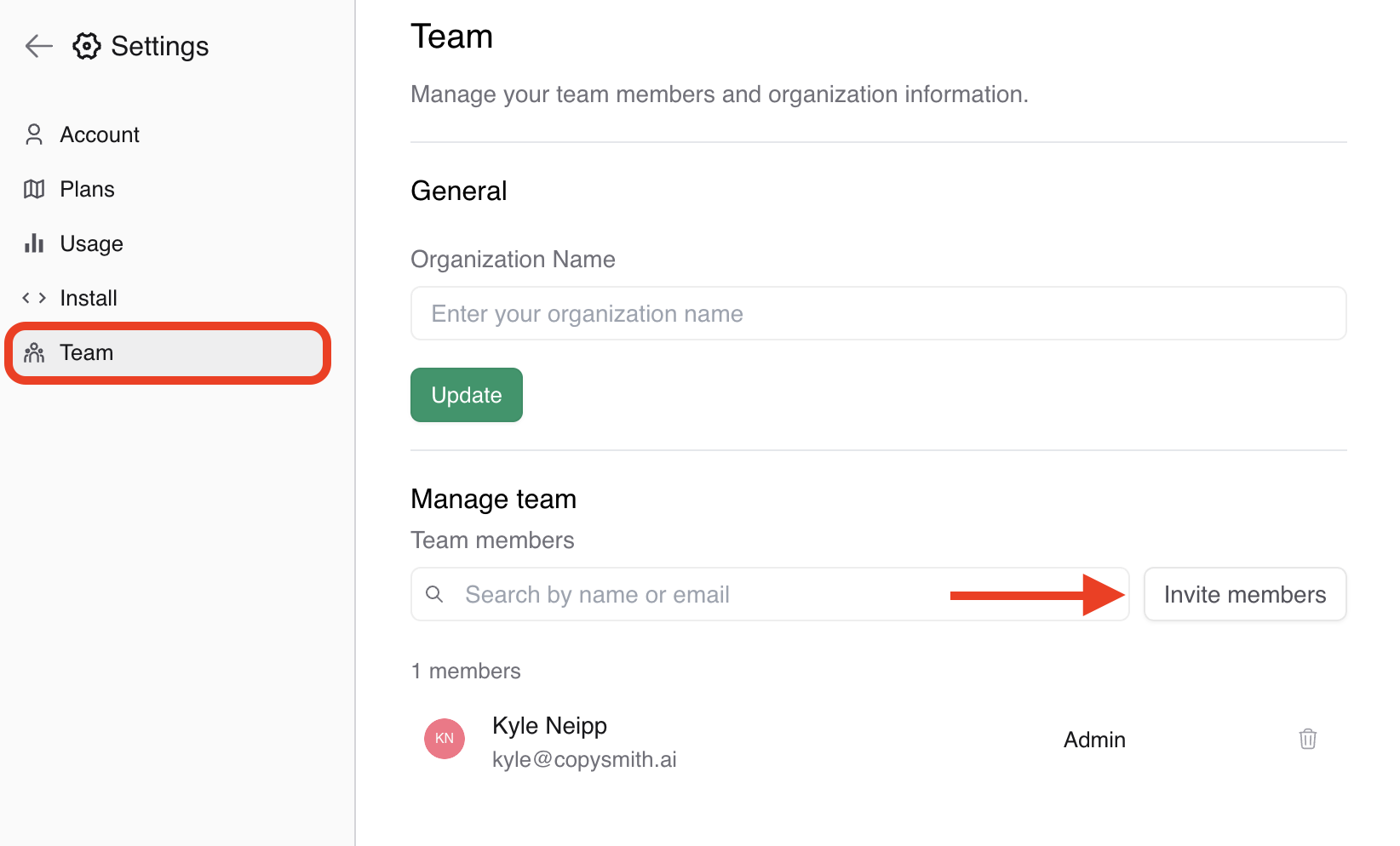
- Click Invite Team Members
- Enter their email addresses (comma separate them if inviting multiple)
- Example: [email protected], [email protected]
- Click the Send Invite button
📖 Each teammate will receive an email invitation prompting them to create an account and join your team. Once they accept, they can begin collaborating immediately.
Understand user permissions
There are 2 role types:
- Admins: Access to everything and have the ability to alter other users on the team.
- User: Access to all functionality but cannot invite additional team members or edit existing ones.