
Customize Your Bot's Greetings & Messaging
In This Article
📖 To access messaging settings, select the bot you'd like to customize within the Bots tab and select the Configuration section at the top. You'll see sections for customizing greetings, rating messages, & custom journeys.
Greeting Messages
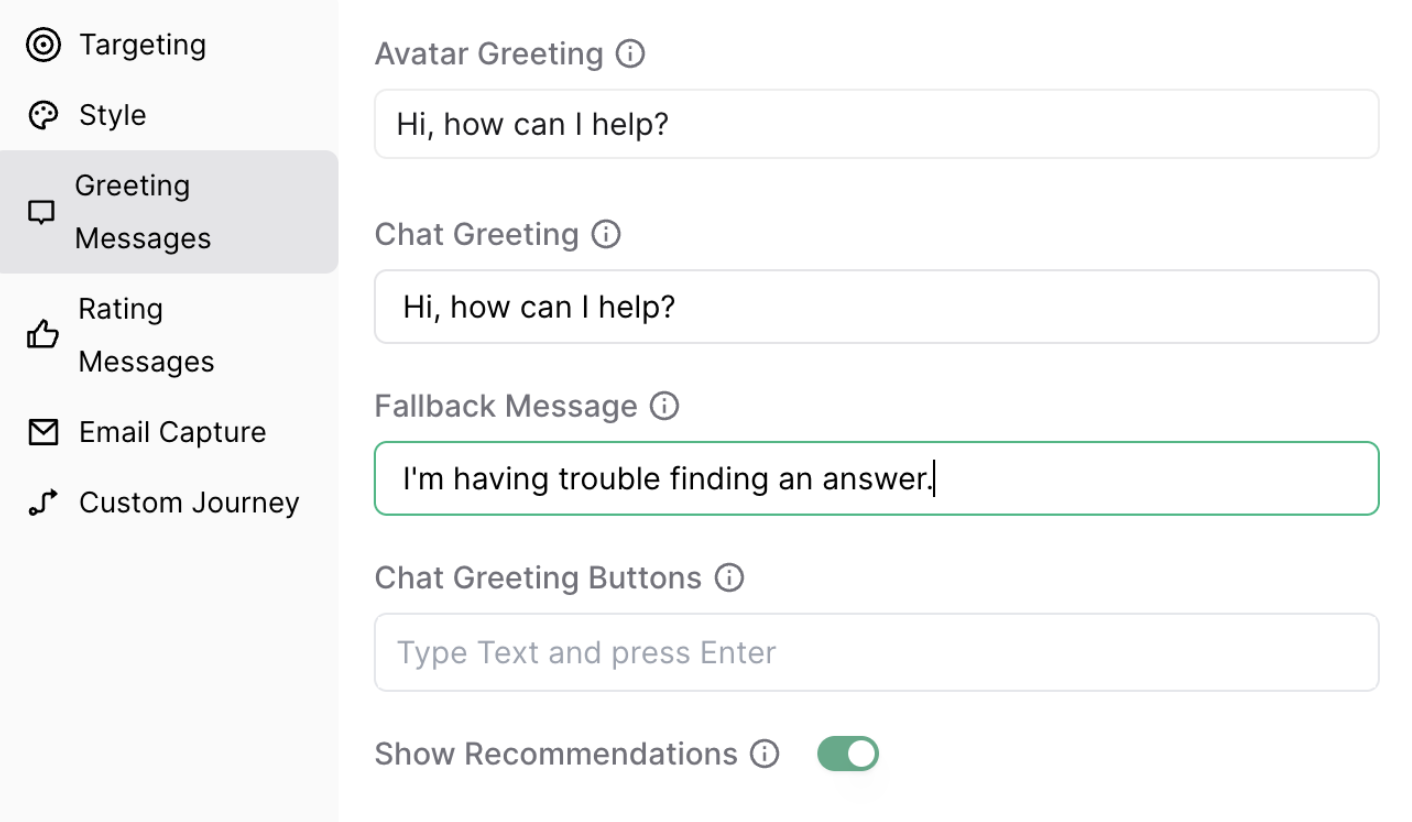
This section controls what users see before and during their first interaction with the chatbot:
- Avatar Greeting: The message shown before the user opens the chatbot.
- Chat Greeting: The first message users see when the chatbot opens.
- Fallback Message: Displayed when the chatbot can’t find a suitable answer.
Chat Greeting Buttons
Put FAQs & other content front and center using Chat Greeting Buttons:
-
These clickable options appear beneath the chat greeting
Users can tap a button to instantly view a predefined answer
You can add buttons manually or pull in questions from an existing dataset:
- Click Add from Dataset
- Choose a trained question
- The question will appear as a greeting button in the chatbot
Show Recommendations toggle
Toggle this setting to control whether suggested questions appear while users are typing. These real-time prompts guide users to relevant content.
Rating Messages
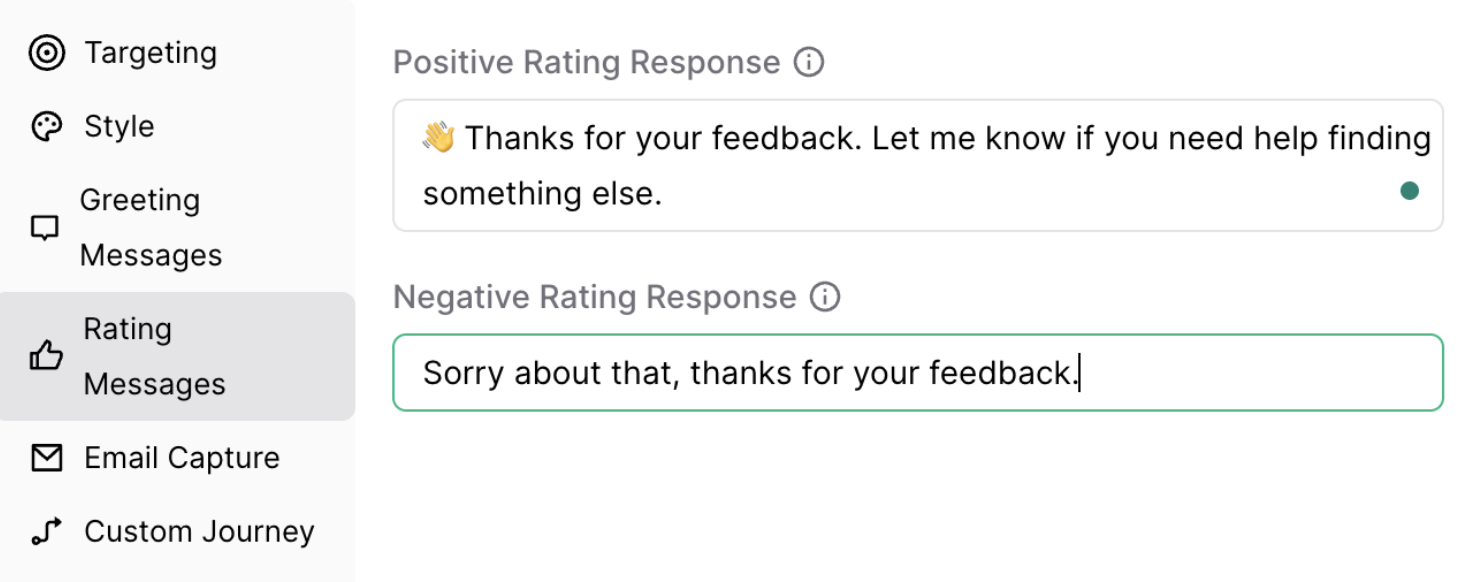
Customize the feedback experience:
- Thumbs Up Message: Message shown when a user gives a positive rating
- Thumbs Down Message: Message shown when a user gives a negative rating
These messages help reinforce helpful responses and gather insight when the chatbot misses the mark.
Custom Journeys
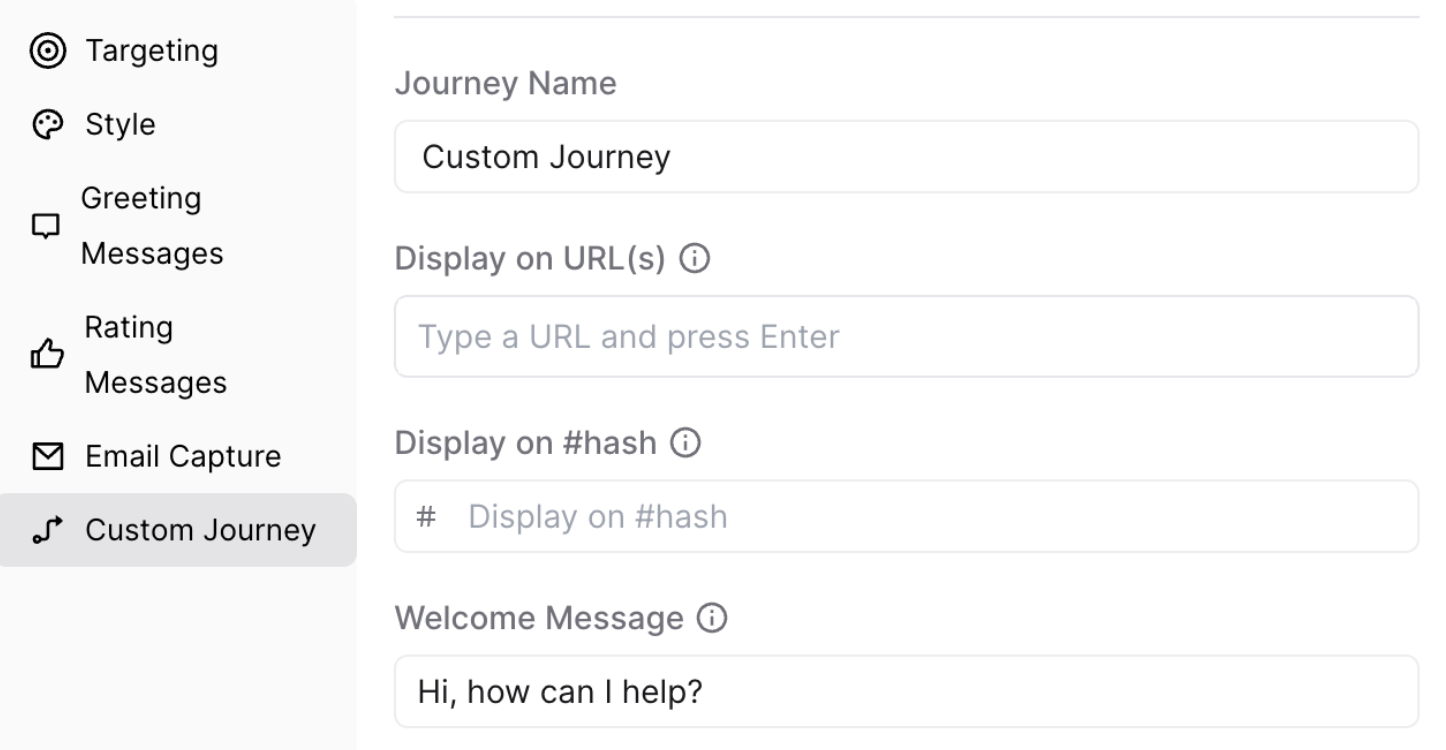
Check out this article for a full rundown of how to personalize chatbot messaging for specific pages using Custom Journeys.
💡 Custom Journeys are ideal for tailoring the chatbot to content like pricing pages, product launches, or campaign-specific landers.