
Edit or Improve a Trained Answer
Sometimes you may need to update a response—whether it’s to correct outdated info, refine the language, or improve clarity. Here’s how to quickly edit any trained answer in your dataset.
Access the Dataset
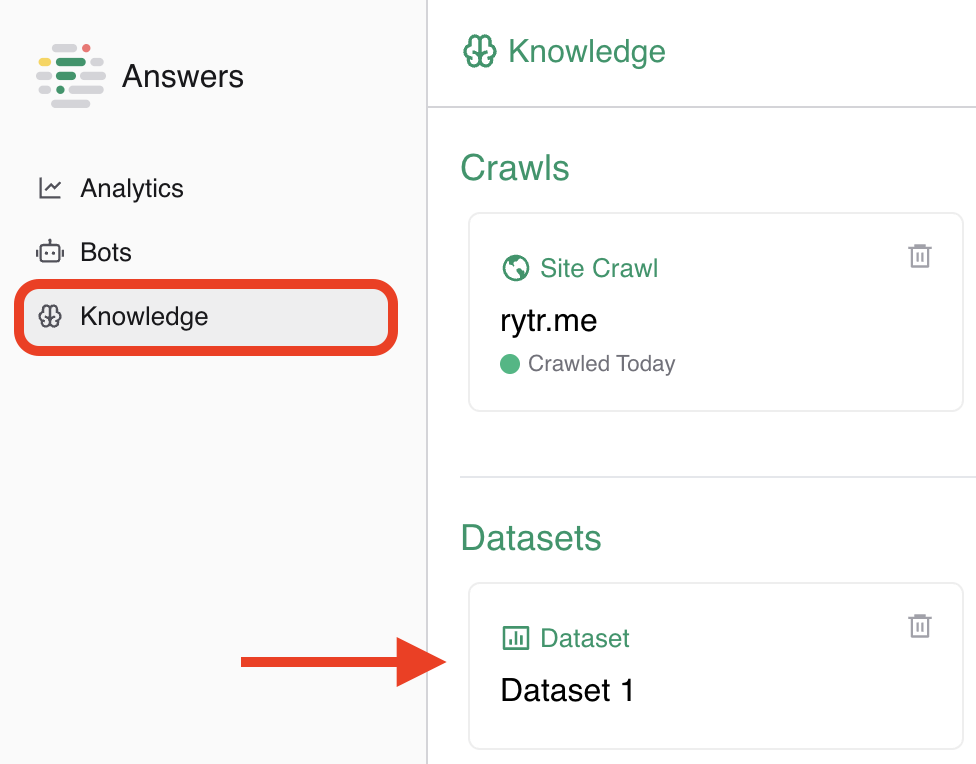
- Go to the Knowledge tab in the left sidebar.
- Click on the dataset that contains the answer you want to update.
-
You’ll see a list of trained questions and their answers.
Edit the trained answer
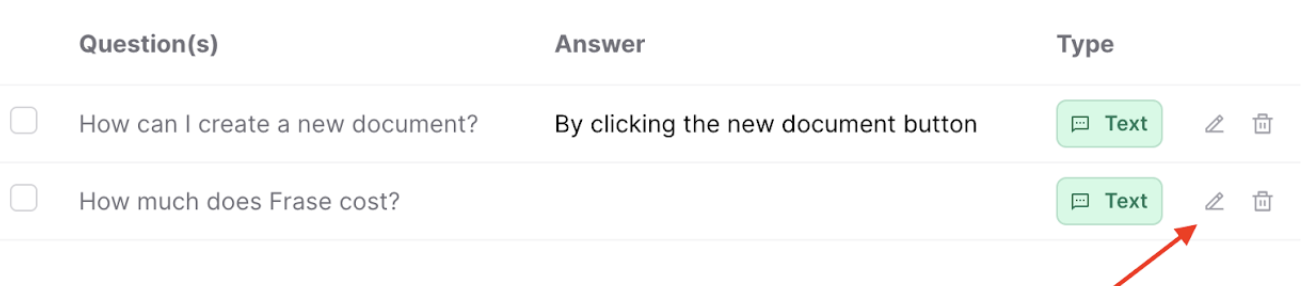
- Find the question you’d like to update
- On the right side of the entry, click the pencil icon
- Make your desired changes to the question, answer, variants, or any advanced settings
-
Click Save to update the entry
💡 Changes take effect immediately, and your chatbot will begin using the updated response right away.